


Comments and Questions
1. Excellent directions and very easy to use once you use the tool and know the layout.
2. AviDemux to create the acc audio file is easy and fast.
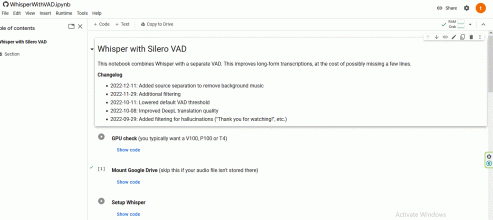
3. Using Whisper from the cloud takes about little more than 1 hr to create the srt file in Japanese. I guess Colab Google put on a timer and to have to verify when it times out.
4. Last step I used Subtitle Edit to convert srt Japanese to srt English
Question
1. When using the Whisper on the Cloud link who owns this link? What happened if the link no longer available in the future? I guessing the owner owns the code
2. When I run setup Whisper and run Whisper....I'm assuming I'm downloading the code from the link and using the instant on my browser? Can I run multiple instants using multiple Chrome Browsers or does it have to be Chrome and Firefox?
3. Number of users accessing Whisper link should not matter right?
4. Why translation_mode = No translation? I accidentally left the default value and noticed it created the srt in English for me....is it not accurate?
1. You can create a google account (I'm assuming that you've already have one) and save the content of Colab to your account. It's just a python code file.
2. Whisper run on Google Cloud, not on your pc. They limit daily usage for each account, so you should change to other google account to continue to use it.
4. I believe google translate better than any other translation engine, so I use google instead of whisper or deepL engine.