



Kuraya 蔵屋
Where Your Japanese Adult Movies Lives.
Free Windows app · beta · everything stays on your own PC
Hi all,
I have collected JAV for years and got tired of doing the same work over and over: renaming files, hunting covers, fixing titles, finding duplicates across drives, looking for English subtitles. Every tool I tried did one of those jobs. So I built one that does all of it, and now I'd like to share it with you.
One thing first, so nobody is disappointed: Kuraya starts working on a movie when it can read a DVD-ID in the file name (SONE-804, abp112, [HD]SSIS-001-C ...). Put your movies loose (not inside folders) into the Pre-Inbox or Inbox folder, also the ones you already have in folders, and Kuraya takes it from there. Files without a DVD-ID in the name are left alone, you can type the ID in yourself.
Screenshots
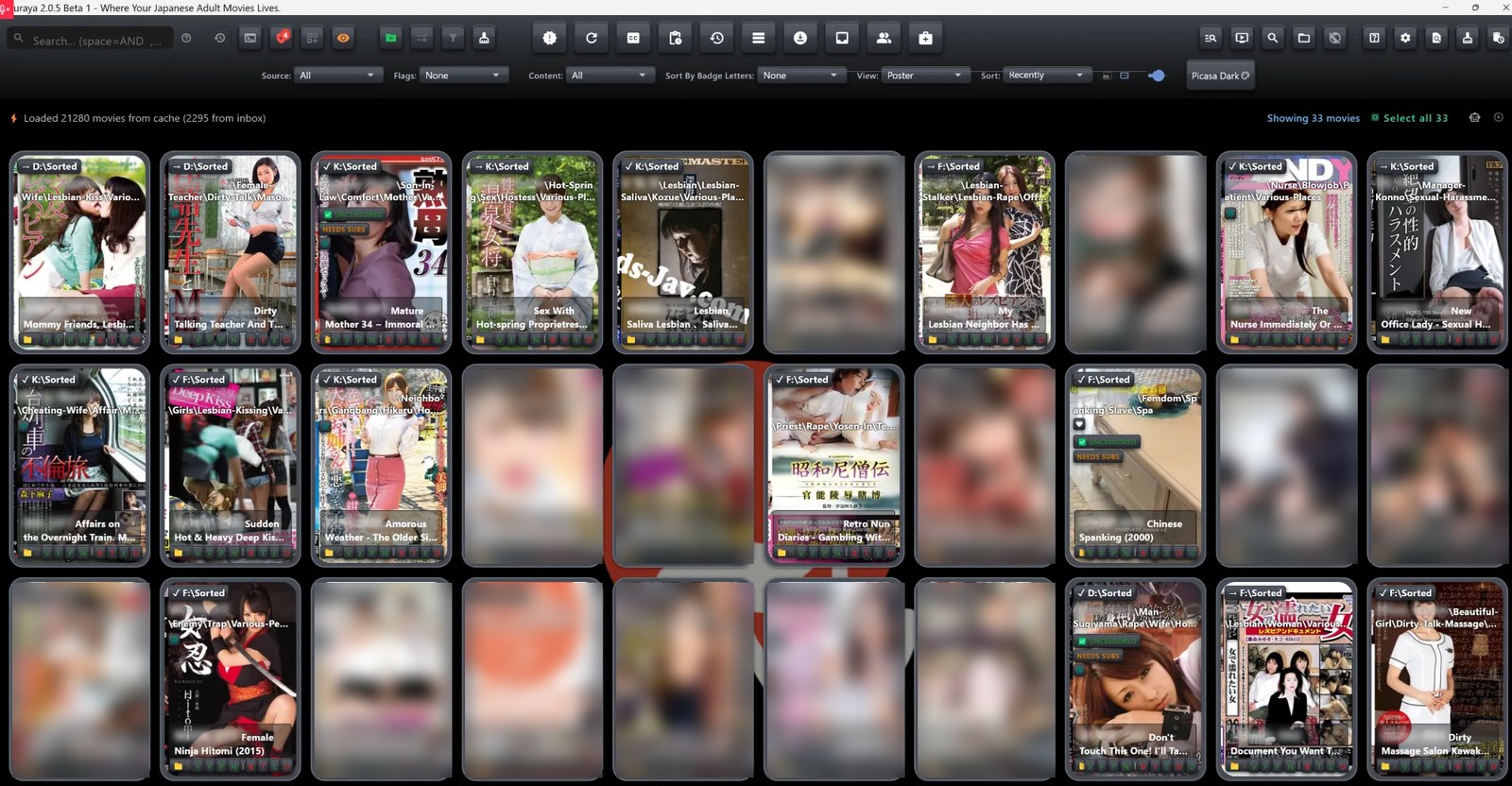
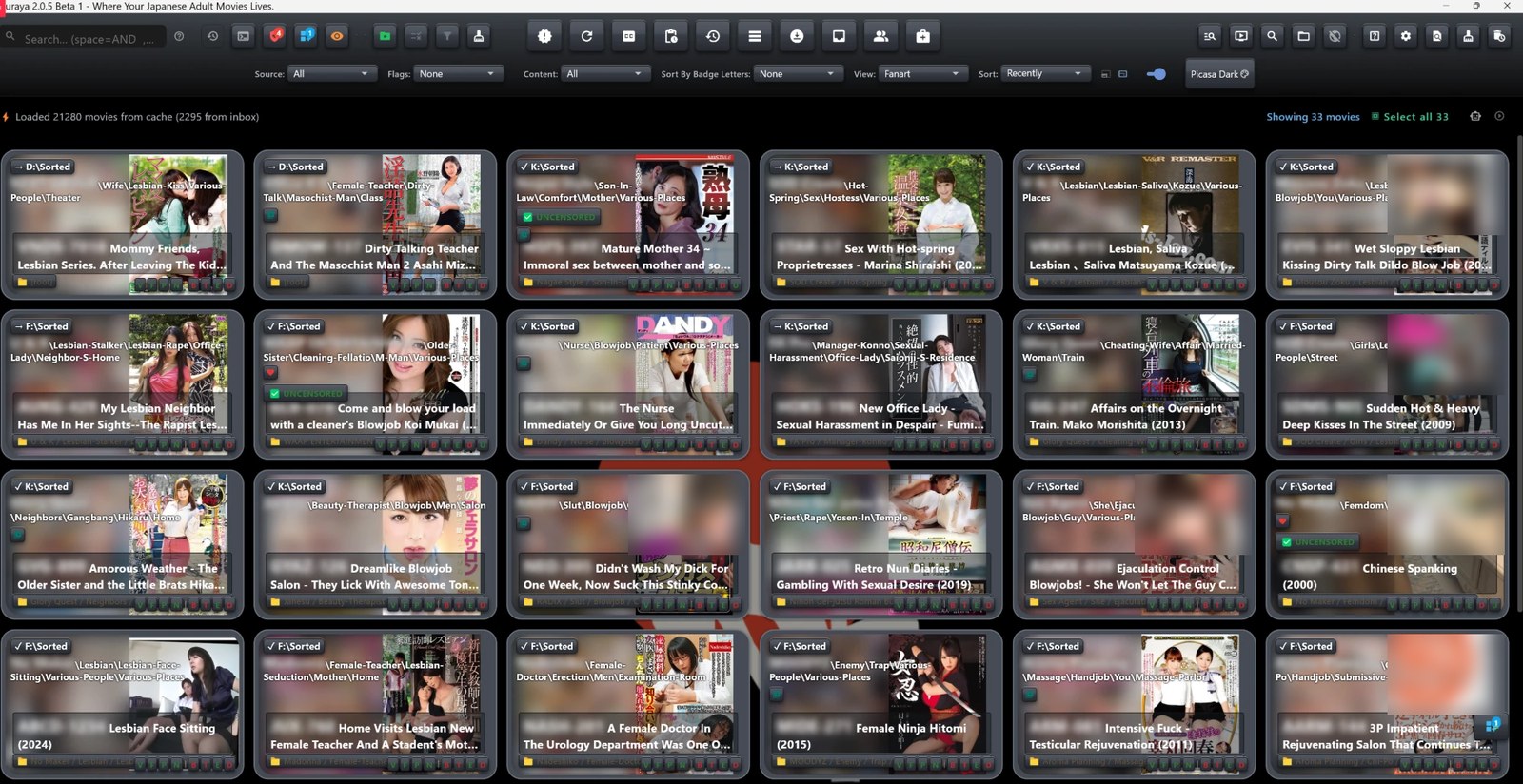
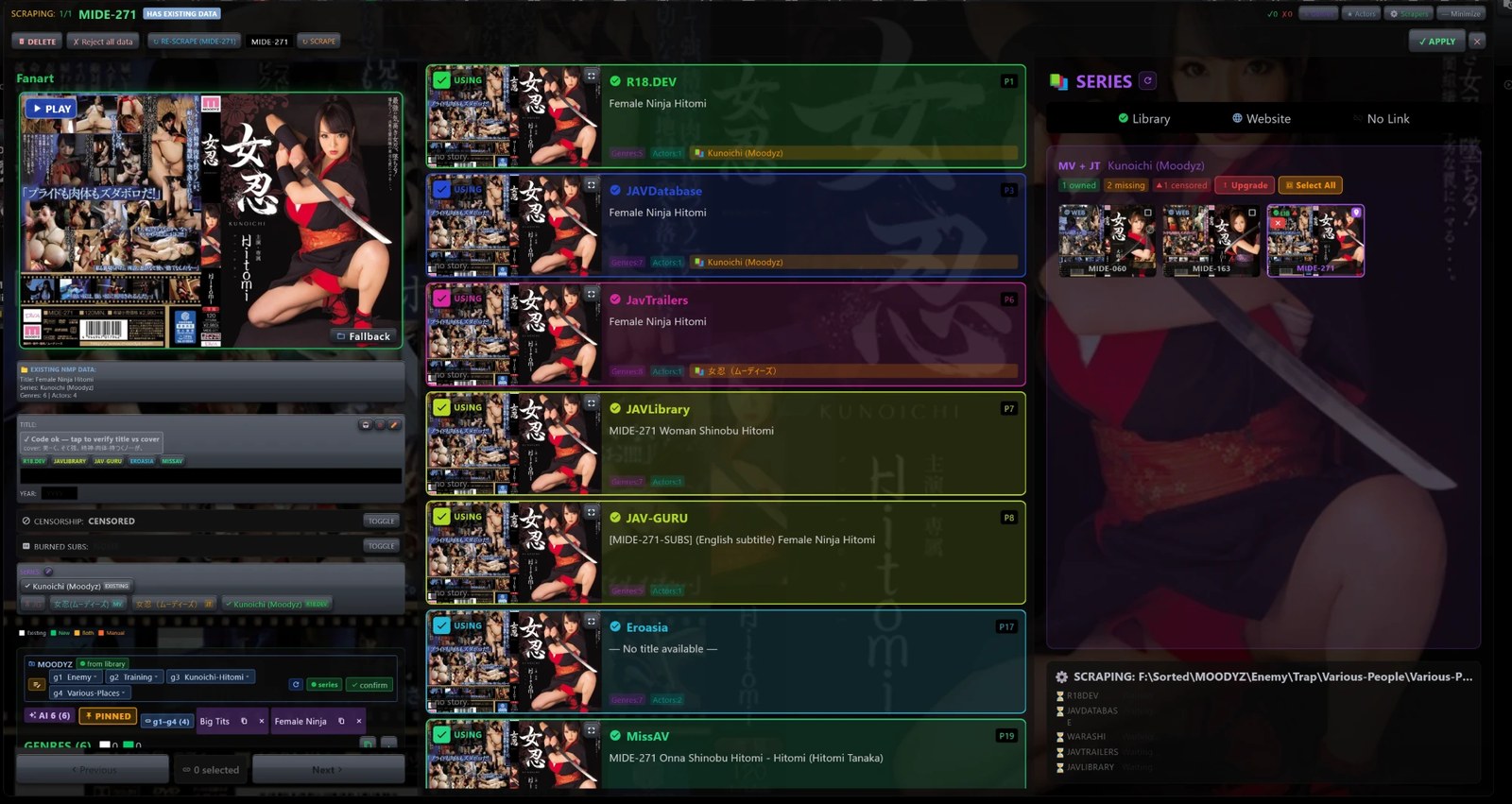
(The pictures have been formatted a little for public display: some covers are blurred. Kuraya itself shows everything as it is.)
What Kuraya does for your collection
- Knows the films it can identify - reads the DVD-ID from messy file names (abp112.mp4, [HD]SONE-804-C.mkv, CD1/CD2) and asks several sites at once (JAVLibrary, JavDatabase, R18.dev, MissAV, JAV-GURU ...). You see every result side by side and pick the best cover, title, cast and genres, or let it run on a whole folder by itself.
- Files everything cleanly - Studio \ genres \ DVD-ID folders, always under Windows' 255-character path limit. Looks good in Kuraya and in Explorer.
- English subtitles from the audio - transcribes the Japanese speech on your own graphics card (Whisper) and makes English subtitles. Free out of the box; with an optional DeepSeek key (about 3 US cents per movie) the English gets much better. Subtitles you already have are never overwritten.
- Finds duplicates - by DVD-ID, file content and even sound, across all your drives.
- Actress database - photos and bios from several sources, aliases understood.
- Keeps itself healthy - background checks for missing covers, broken files and leftovers. Nothing is deleted without asking; removed files go to a quarantine first.
- Shrinks big files - optional converter (HEVC or AV1) that checks picture, sound and length before it replaces anything.
- Pause and resume - every long job has Stop, Pause and Resume in one Task Console, and the app can be closed while jobs keep running.
- Themes, a built-in player, a local/LAN browser and a tube browser.
Three apps, one library
- Kuraya - the main app on your Windows PC. It does all the work.
- Kuraya Remote for Android - stream your own collection to a phone or tablet in the house.
- Kuraya Remote for Windows - the same remote for a laptop or a second PC.
Get English subtitles for your whole collection in 3 steps
- Install Kuraya and let the Setup download the free helper tools (FFmpeg + Subtitle Edit with Faster-Whisper).
- Point it at your library folder and press Scan Library.
- Open the Task Console and tick Transcribe + Translate. Kuraya works through your favourites, then the Inbox, then the library - only movies that have no subtitle yet.
Your collection stays yours
No account, no cloud, nothing is sent to me. Movie lookups only send the DVD-ID. Tested on a library of 18,000+ films.
Download
- Website: https://fetterbr61.github.io/Kuraya/
- Download (Windows 10/11, plus the two remotes): https://github.com/Fetterbr61/Kuraya/releases/latest
- What every button does: https://fetterbr61.github.io/Kuraya/buttons.html
- Troubleshooting: https://fetterbr61.github.io/Kuraya/troubleshooting.html
Beta testers wanted
If you have a collection and a Windows PC, I'd love your feedback: what breaks, what is confusing, what is missing. Reply here, or use Help > Report a problem in the app - it packs the log for you.
Thanks for reading, and thanks to this forum, which taught me most of what I know about this hobby.
Last edited:
