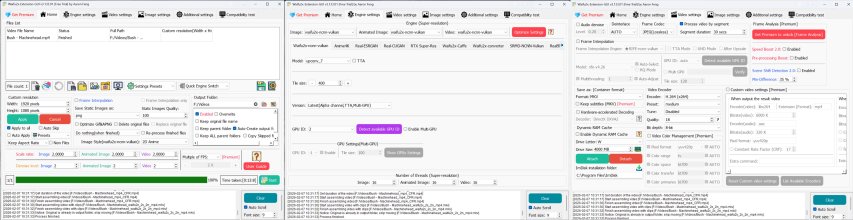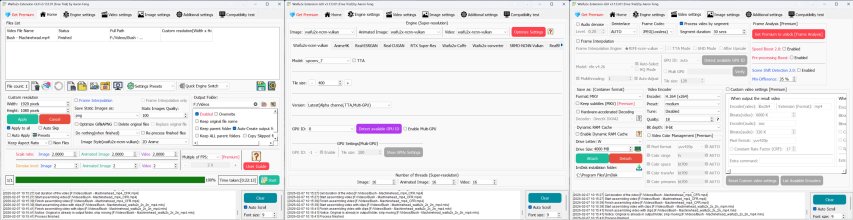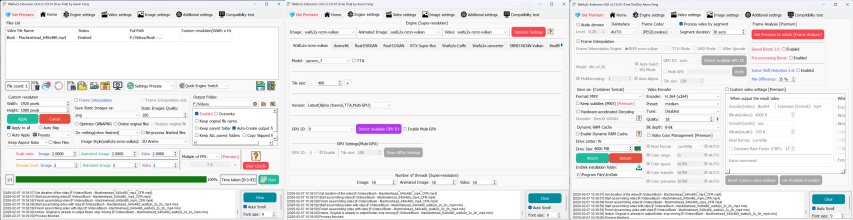

man would u be as nice as throwing a screenshot or 2 of your settings. On my end, I'm getting nowhere near the 1.1x your talking about on my 3060 using waifu2x-ncnn-vulkan.Something doesn't seem right with that (lack of) speed.
I just tried Waifu2x to upscale from 640x480 to 1920x1080 on a RTX 3060 and RTX 3090 (both power limited to 90%). Using the waifu2x-ncnn-vulkan engine.
It took about 4 minutes to write the split frames. After that, on the 3060 it up-scaled ~1.1x real-time and on the 3090 ~2.0x real-time. VRAM use was ~9 GB.
AI Remastered from SD to HD quality
- Thread starter mycl500
- Start date
-
Akiba-Online is sponsored by FileJoker.
FileJoker is a required filehost for all new posts and content replies in the Direct Downloads subforums.
Failure to include FileJoker links for Direct Download posts will result in deletion of your posts or worse.
For more information see this thread.