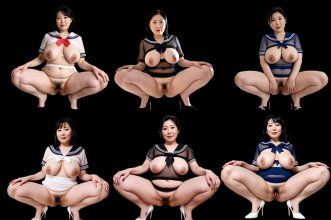
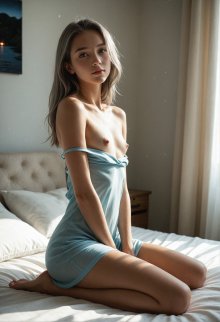
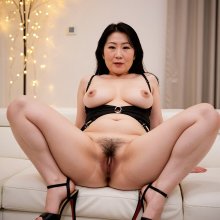
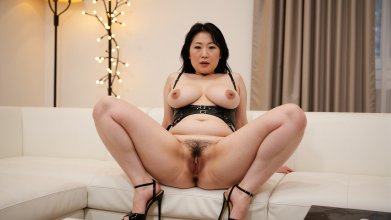
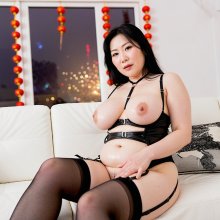
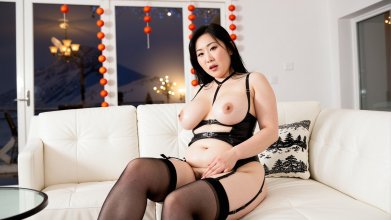
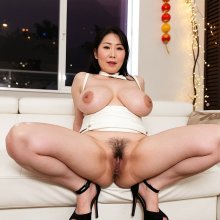
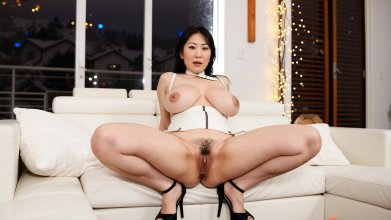
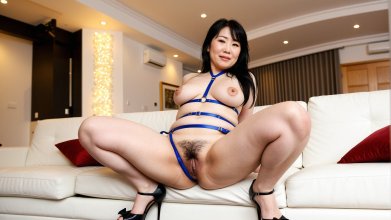
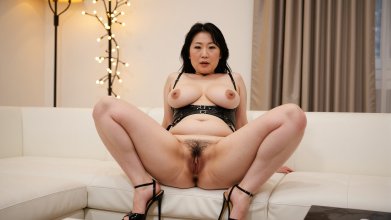
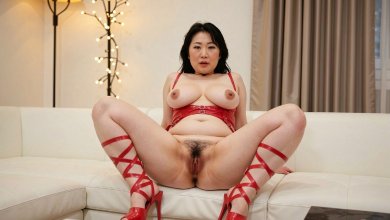
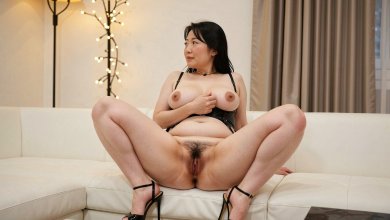
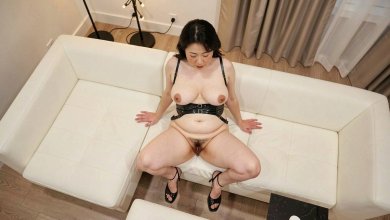
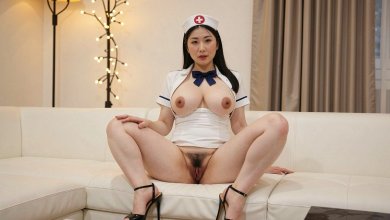
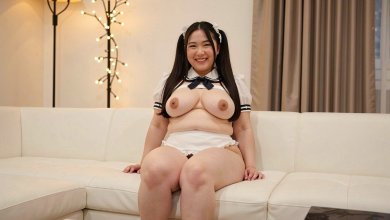
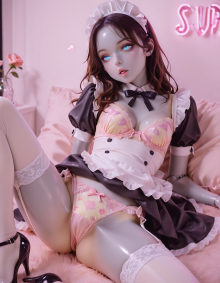
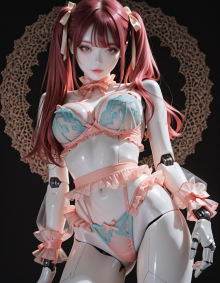
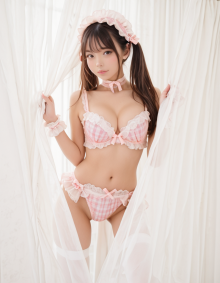
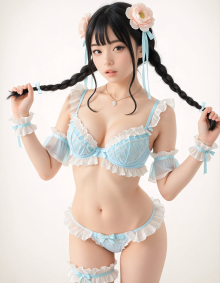
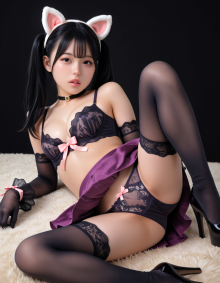
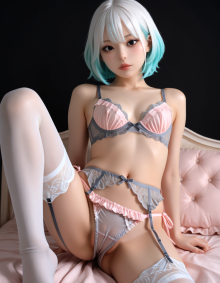
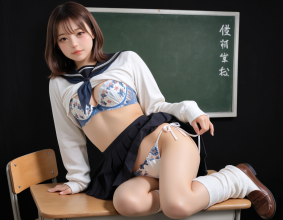
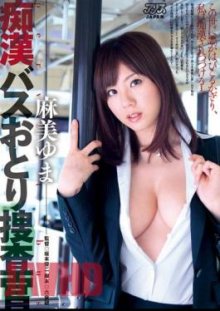
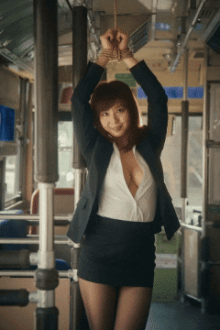
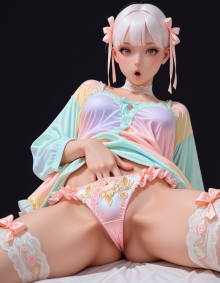
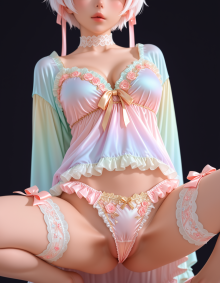
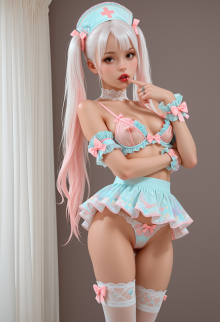
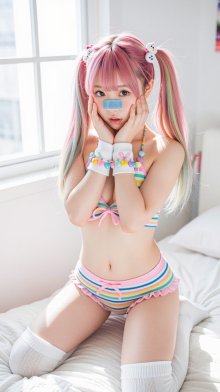
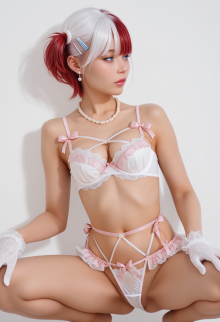
Photorealistic AI Generated Images

Catering to my specific kink, and fun to play with/
OUTSTANDING! That's what makes this stuff so great, you can make as much content as you want of the stuff you like and let your imagination run wild with it!

It's no secret I like thick mature women, heels, and a combination of them both! I've been bringing these to life to my hearts content :cool:

sample.jpg
 
Last edited:
Oh, gosh, I've started working on outpainting and image-to-image. I remember back when I first started with AI images, I was using that service (pornpen...now gone) and it had this feature that at the time I didn't understand was outpainting, where I could take an image I generated on their app and kind of zoom out to bring in more scene. Then I would re-do the image (forgot what they called it) which was basically image-to-image to make a more detailed version, but with slight changes to the overall image. It was give and take.

I watched some YouTube videos of workflows for this and basically recreated the same things based on the nodes I saw on the screen. Working out well! My gripe to myself for quite some time is that most models that were NOT Z-Image Turbo that I had could not create widescreen images, say 1024x576, 1280x720, or 1920x1080 without stretching out the women to take up most of the horizontal image space. This meant while at 1080 women looked stretched and deformed (mostly two heads and upper bodies. No matter how I prompted. Now, there may be a way I'm sure to prompt correctly to place the subjects in the center of these frames, but I didn't come across them or come up with one. :D

Now that I Frankensteined an outpainting and an image-to-image workflow I can take 1024x1024 images that I really like and change them to basically 16:9 images at 1822x1024, but once I throw them into Wan 2.2 to bring them to life it will resize and crop the video to create the correct 16:9 1024x576. I think the slight changes from the image-to-image passes aren't that bad. I generate 3 or more and pick the one that looks the closest to the original. Sometimes...the overall picture is almost better.

001.jpg 001_I2I.jpg

002.jpg 002_I2I.jpg

003.jpg 003_I2I.jpg

004.jpg 004_I2I.jpg

Models Used:
juggernautXL_versionXInpaint for the outpainting
gonzalomoXLFluxPony_v40UnityXLDMD for the image-to-image, basically the same model used to create the original images
 
Now trying my hand at a Flux 2 Klein variant with pretty good results. What these models can do is take an image and change things based on your prompt, like changing a color of an object or even removing or inserting objects. And it does pretty well at even slight change in the angle of the shot, which I was more interested in, along with replacing objects (people) [women] in a shot.

001_I2I.jpg Flux2-Klein_00015_.jpg

Flux2-Klein_00031_.jpg Flux2-Klein_00027_.jpg

It was driving me crazy because I originally took a base image, like a couch in a room, and used as secondary image of a woman in another environment altogether and prompted the model to place the woman on the couch. Well, it would, and over and over, but no matter what her scale was smaller than the couch, so it didn't look right all. THEN after playing with other prompts like the aforementioned things, I tried taking an image with a woman on a couch and fed the secondary image of another woman sitting on some other kind of couch and prompted to replace with that other woman. Bingo. Again, slight changes and variations, but I can work with that!

Flux2-Klein_00037_.jpg Flux2-Klein_00039_.jpg

So for video generation, this can be a poor man's consistent character tool to place (roughly) the same actress in different settings/outfits/positions.
 
Last edited:
making the transition from using IllustriousXL to Anima for my Checkpoints. A lot of work ahead but I've long since established that when it comes to StableDiffusion it's all about the journey, not the destination.

Anima seems to adhere to prompts more accurately and renders a lot more detail from smaller prompts. Let the journey commence.

image_5.png
 

Attachments

  • image (11).png
    image (11).png
    1 MB · Views: 10
  • image (8).png
    image (8).png
    1 MB · Views: 10
  • image (14).png
    image (14).png
    967.1 KB · Views: 10
the new minimax h3 model will do it locally, with sound too
OUTSTANDING! I've been trying to find time to try this out...now I'm going to have to do whatever it takes to try it. Great examples!
 
My first Anima Checkpoint is ready to play with and I'm loving the results so far.
I'm so glad you're working on this. I wouldn't have the patience to create a checkpoint, but being able to create something that will help you create what you want has to be exciting!
 
I'm so glad you're working on this. I wouldn't have the patience to create a checkpoint, but being able to create something that will help you create what you want has to be exciting!
It's a lot easier to do now that I've had a year or so of practice :D
When I first started using A.I. it was all about the images themselves, now I get as much, if not more, enjoyment from creating LoRa abd checkpoints.

ComfyUI still confuses the hell out of me so props to you guys who can make it dance the way you do ;)
 
Last edited:
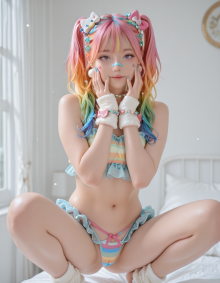
I used a NSFW variant of Z-Image Turbo and the prompt below to try to recreate the image @_2old_ shared back in July. I generated maybe 12 or so but this one had the cutest face and the smallest band aid across the nose. The model kept putting thicker or longer ones with this prompt. I didn't try image-to-image; I wanted to see if I could describe the image myself and get close to what the image was. Came out pretty good I think, although, none of them had her actually squatting on the bed.

Prompt:
A twenty-year-old Japanese young woman squats on her white bed in her white bedroom next to her white-walled window, natural white sunlight illuminates the entire scene, she has her hands up to her cheeks, she wears a two piece frilled multi-colored striped pastel panty with pink string bow and a matching halter top, white thick socks, white sweatbands on her wrists wrapped by a string of pastel heart candies, all of her hair is in high twin-tails with white and pink kitty hair clips, her hair is top-down pink, orange, yellow, green, blue pastel rainbow with strings of pastel heart candies, she wears a (very short) blue (super thin:1.2) band-aid across her nose.

z-image_00016_.jpg
 
Last edited:
I used a NSFW variant of Z-Image Turbo and the prompt below to try to recreate the image @_2old_ shared back in July. I generated maybe 12 or so but this one had the cutest face and the smallest band aid across the nose. The model kept putting thicker or longer ones with this prompt. I didn't try image-to-image; I wanted to see if I could describe the image myself and get close to what the image was. Came out pretty good I think, although, none of them had her actually squatting on the bed.

Prompt:
A twenty-year-old Japanese young woman squats on her white bed in her white bedroom next to her white-walled window, natural white sunlight illuminates the entire scene, she has her hands up to her cheeks, she wears a two piece frilled multi-colored striped pastel panty with pink string bow and a matching halter top, white thick socks, white sweatbands on her wrists wrapped by a string of pastel heart candies, all of her hair is in high twin-tails with white and pink kitty hair clips, her hair is top-down pink, orange, yellow, green, blue pastel rainbow with strings of pastel heart candies, she wears a (very short) blue (super thin:1.2) band-aid across her nose.

Lovely work, my friend. More ComfyUI wizardry?
I also took note of your prompting process. I've been using pure Booru prompting for years and only recently moved into a mix of Booru and plain text\Blip captions. It was a revelation to see just how strong plain text can be when added to my usual method.
 
Last edited:
  • Like
Reactions: yuumi_fan