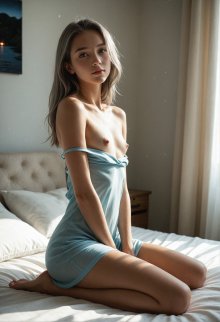
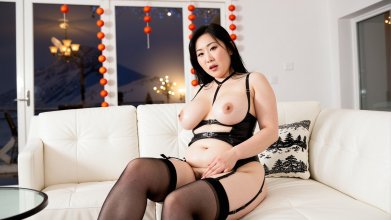
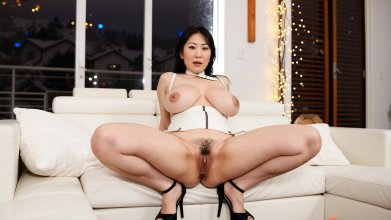
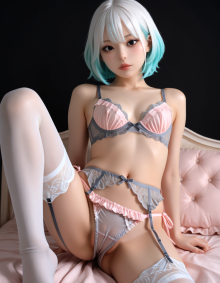
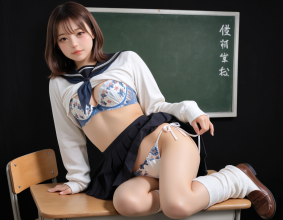
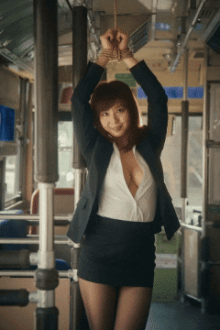
Photorealistic AI Generated Images

Catering to my specific kink, and fun to play with/
OUTSTANDING! That's what makes this stuff so great, you can make as much content as you want of the stuff you like and let your imagination run wild with it!

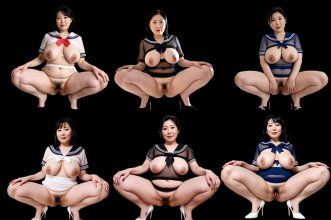
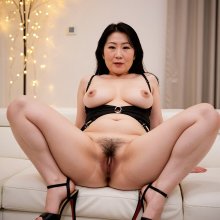
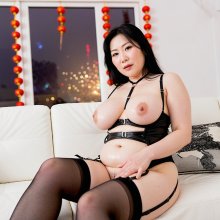
It's no secret I like thick mature women, heels, and a combination of them both! I've been bringing these to life to my hearts content :cool:

sample.jpg
 
Last edited:
Oh, gosh, I've started working on outpainting and image-to-image. I remember back when I first started with AI images, I was using that service (pornpen...now gone) and it had this feature that at the time I didn't understand was outpainting, where I could take an image I generated on their app and kind of zoom out to bring in more scene. Then I would re-do the image (forgot what they called it) which was basically image-to-image to make a more detailed version, but with slight changes to the overall image. It was give and take.
I watched some YouTube videos of workflows for this and basically recreated the same things based on the nodes I saw on the screen. Working out well! My gripe to myself for quite some time is that most models that were NOT Z-Image Turbo that I had could not create widescreen images, say 1024x576, 1280x720, or 1920x1080 without stretching out the women to take up most of the horizontal image space. This meant while at 1080 women looked stretched and deformed (mostly two heads and upper bodies. No matter how I prompted. Now, there may be a way I'm sure to prompt correctly to place the subjects in the center of these frames, but I didn't come across them or come up with one. :D

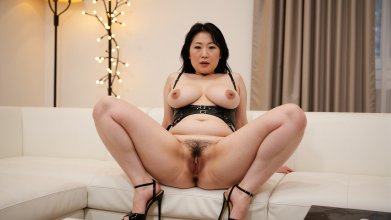
Now that I Frankensteined an outpainting and an image-to-image workflow I can take 1024x1024 images that I really like and change them to basically 16:9 images at 1822x1024, but once I throw them into Wan 2.2 to bring them to life it will resize and crop the video to create the correct 16:9 1024x576. I think the slight changes from the image-to-image passes aren't that bad. I generate 3 or more and pick the one that looks the closest to the original. Sometimes...the overall picture is almost better.

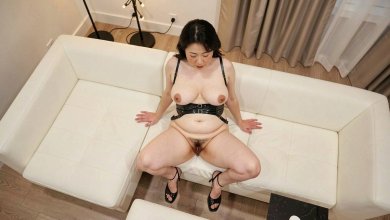
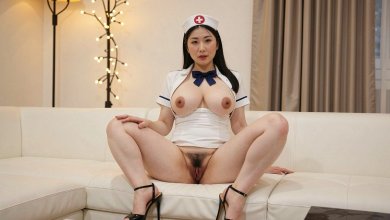
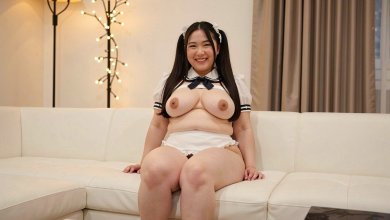
001.jpg 001_I2I.jpg

002.jpg 002_I2I.jpg

003.jpg 003_I2I.jpg

004.jpg 004_I2I.jpg

Models Used:
juggernautXL_versionXInpaint for the outpainting
gonzalomoXLFluxPony_v40UnityXLDMD for the image-to-image, basically the same model used to create the original images
 
Now trying my hand at a Flux 2 Klein variant with pretty good results. What these models can do is take an image and change things based on your prompt, like changing a color of an object or even removing or inserting objects. And it does pretty well at even slight change in the angle of the shot, which I was more interested in, along with replacing objects (people) [women] in a shot.

001_I2I.jpg Flux2-Klein_00015_.jpg

Flux2-Klein_00031_.jpg Flux2-Klein_00027_.jpg

It was driving me crazy because I originally took a base image, like a couch in a room, and used as secondary image of a woman in another environment altogether and prompted the model to place the woman on the couch. Well, it would, and over and over, but no matter what her scale was smaller than the couch, so it didn't look right all. THEN after playing with other prompts like the aforementioned things, I tried taking an image with a woman on a couch and fed the secondary image of another woman sitting on some other kind of couch and prompted to replace with that other woman. Bingo. Again, slight changes and variations, but I can work with that!

Flux2-Klein_00037_.jpg Flux2-Klein_00039_.jpg

So for video generation, this can be a poor man's consistent character tool to place (roughly) the same actress in different settings/outfits/positions.
 
Last edited: