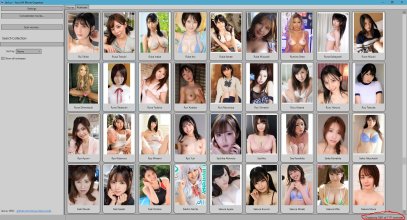
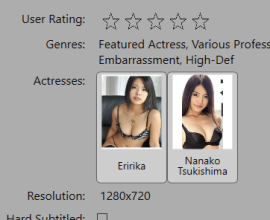
The default setting in Javluv is to uncheck the button (on the left if you click the actress tab) that says, show all actresses. The system, when it searches for images of all actresses, if it doesn't find one then it can't download an image, hence the blank thumbnail. Unchecking 'show all images' will only show headshot images of the actress's that it has found. So, what you can do for the blank ones is open that actresses profile page and in the blankspot in the upper left, right click and click import images and you can manually add a profile picture.
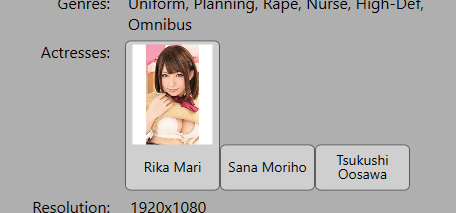
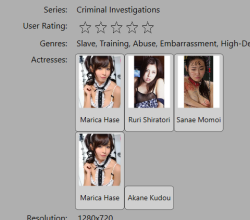
The double name/picture is determined by the .nfo data that Javluv uses to enter relevant data. That .nfo information is very subjective and sometimes completely wrong. You may be seeing multiple names because they are psudonyms and Javluv will list them under alternate names.
I have run into a problem where javluv has grouped together 2 completely different actresses, likely because of the .nfo file it found but that is a problem that requires manual intervention.
Ultimately though the actress profile pic is an issue that TmpGuy, The program's creator, is always trying to improve but it is an ongoing issue and a small price to pay for the rest of the programs` benefits.